

How I Fixed League of Legends on Converge Philippines
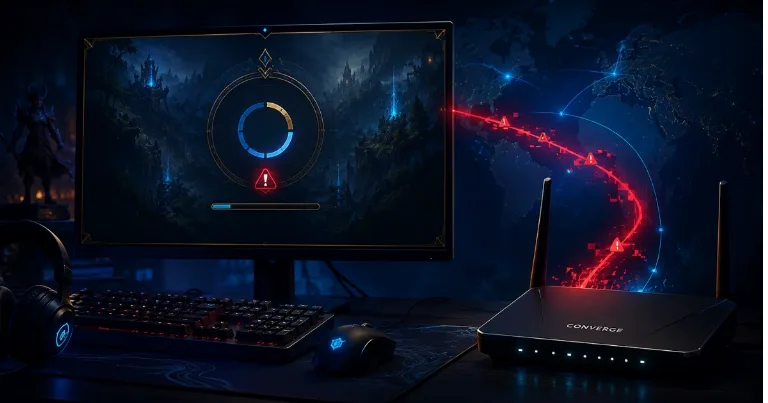
Around 2020 to 2021, I used Converge in the Philippines while I was working from home. For normal internet, it was fine. But when I tried to play League of Legends, the game kept having connection problems. I came from Brazil, and I never had to think about my internet provider just to play League, so this was the first time it really felt like the ISP route was the problem. What fixed it for me was ExitLag.
ExitLag is the routing tool I used when League of Legends would not work properly on Converge. It may help if the game works on other networks but keeps failing on your main internet connection.
Check ExitLag PlansExitLag fixed the League connection for me
I cannot prove that Converge was blocking League of Legends. That would be too strong to say without official proof. But from my side, League worked differently from everything else. Websites loaded, normal apps worked, but League had problems unless I used ExitLag.
That usually points to routing. Your internet can be working, but the path from your ISP to Riot's servers, or Garena's League servers back then, can still be bad. ExitLag helped because it sent my game traffic through a different route.
Other Converge users have reported similar League and Riot Client issues online. Some mentioned VPNs or gaming routing tools. One old LoL PH thread even had users saying ExitLag Manila 2 worked for them.
ExitLag is paid, and the price can change depending on the page, region, or offer. Last time I checked, the monthly Solo plan showed US$5.00/mo, which is US dollars, not euros. In Philippine pesos, the same monthly plan showed around PHP 278.86/mo per player. I would test the monthly plan first before paying quarterly or yearly, because the point is to see if it fixes your League connection.
Try the free checks before paying
Before using ExitLag, check if the problem is really your Converge connection. Restart your modem and router, use a LAN cable if possible, and try opening League on mobile data or another internet connection.
If League works on mobile data but not on Converge, that is a strong clue. Your PC may be fine. The game install may be fine too.
Some users said changing DNS to Google DNS, 8.8.8.8 and 8.8.4.4, helped with Riot Client "No Internet Found" issues. You can also try to clear DNS cache on Windows before testing again, because it is quick and does not cost anything.
For my Converge League problem, DNS was not the stable fix. ExitLag was. I also would not uninstall League right away unless the client files are clearly broken. If the issue is routing, reinstalling the game will only waste time.
When this is probably not a normal PC problem
If every other app works, but League fails only on Converge, think about the connection path first. That is what made this issue different for me.
After Converge, I later switched to PLDT. I am not saying PLDT is perfect, but my League problem on Converge was the one that pushed me to look for a gaming route fix.
I still would not call ExitLag an official Riot fix. Riot's PC connection troubleshooting page warns that VPNs and proxies can cause their own connection issues. In my case, though, ExitLag worked because the issue looked more like a bad route than a broken League install.
For me, the answer was to use ExitLag for League, or test another connection if you do not want to pay. If League works with ExitLag but not with Converge alone, report it to Converge as a routing issue with League or Riot servers, not just "my game is broken."